School celebrations
School Formal Photo Booth Hire: A Brisbane Planning Checklist
A school formal photo booth should be easy to use, easy to find and simple for the organising team to manage. Start with the school’s event requirements and the venue run sheet, then choose a booth around the guest experience. Here is a practical checklist for Brisbane formal committees and coordinators.
Appoint one organiser and get approval
Nominate one adult contact to coordinate the school, venue and booth supplier. That person should hold the final run sheet and approve artwork, changes and payment arrangements. Give the attendant a contact who will actually be present during the event.
Before requesting a booking, ask the school which supplier information it needs. Requirements may include insurance documents, access instructions and details of onsite staff. Let the school confirm its own approval process rather than assuming every venue or event follows the same rules.
Choose the result students want
Ask whether the priority is a printed photo strip, a larger print, a digital image or a video. A still-photo booth and a 360 video booth produce different keepsakes. If the committee wants a physical souvenir, confirm printing rather than assuming it comes with every booth.
Discuss typical group sizes and how an attendant will help groups move through. Ask to see a sample from the proposed package. The image should remain clear when friends pose together, and the print design should leave enough space for faces.
Plan the operating hours and queue
Put arrivals, dinner, speeches, awards and dancing on one timeline. Opening the booth at the same moment as a formal presentation can split attention. Plan a useful session before or after the main formalities, with time for students who are seated or occupied earlier.
There is no reliable universal “guests per hour” promise. Posing, repeat visits, printing and group size all affect the queue. Tell the supplier the expected attendance and ask whether the proposed hours and setup are realistic. Our hire-duration guide explains how to make that comparison.
Approve the artwork and props
Keep the school name, year and formal theme readable without crowding the photographs. Check spelling, dates, colours and any school crest permissions before approving a proof. Choose one person to return consolidated feedback so conflicting versions do not circulate.
Use props that suit the event and school expectations. A restrained selection can be easier to manage than a crowded table. Confirm who supplies the props, whether they are included and how the booth area will be kept tidy.
Agree on access and photo sharing
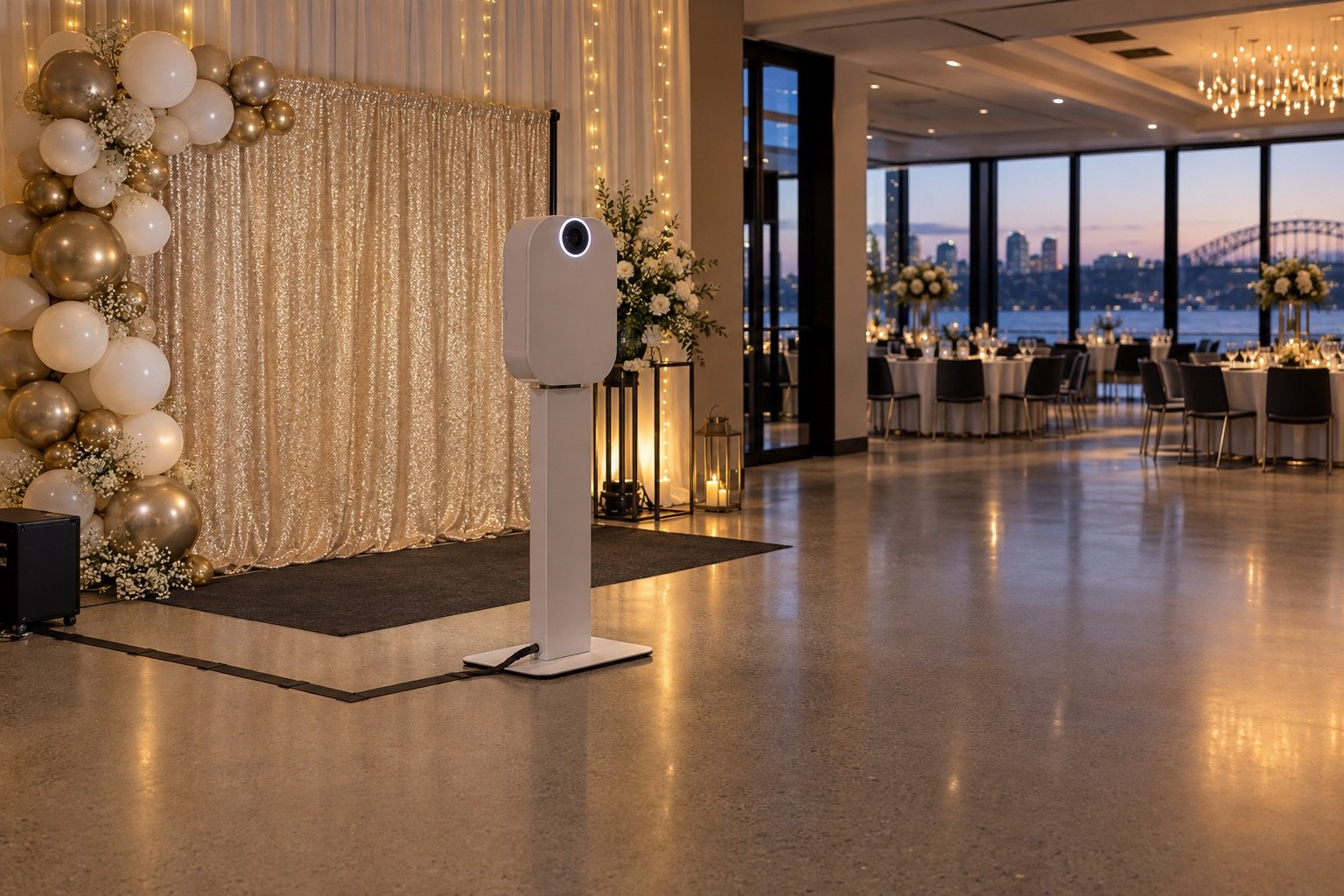
Confirm a level location with room for groups, the attendant and a waiting area. Keep queues away from exits, catering routes and the dance floor. Ask how seated guests can participate and whether the proposed camera position can accommodate their needs.
Ask the school to approve the photo-sharing arrangement before the event: who receives the gallery, whether access is restricted, and whether images may be used publicly. Clearly communicate the agreed approach to guests and families through the school’s own process. Avoid promising public posting or collecting extra details by default.
Use this final-week checklist
- Confirm the booking date, address and onsite organiser.
- Approve the final artwork and selected inclusions.
- Share the latest run sheet and operating window.
- Confirm loading access, power and internet arrangements.
- Check the guest-sharing and organiser-gallery arrangements.
- Agree on the last session and collection time.
Send the same final details to the school, venue and supplier. Explore MemoShot booth options and ask about availability for your formal before announcing a particular setup to guests.