Booth guides
360 Photo Booth vs Traditional Photo Booth: Which Is Right for Your Event?
The main difference is the result: a 360 booth records a moving-camera video, while a traditional photo booth captures still images. Neither is the automatic winner. Choose around how your guests like to participate, what you want them to keep and what your venue can accommodate.

What guests do at each booth
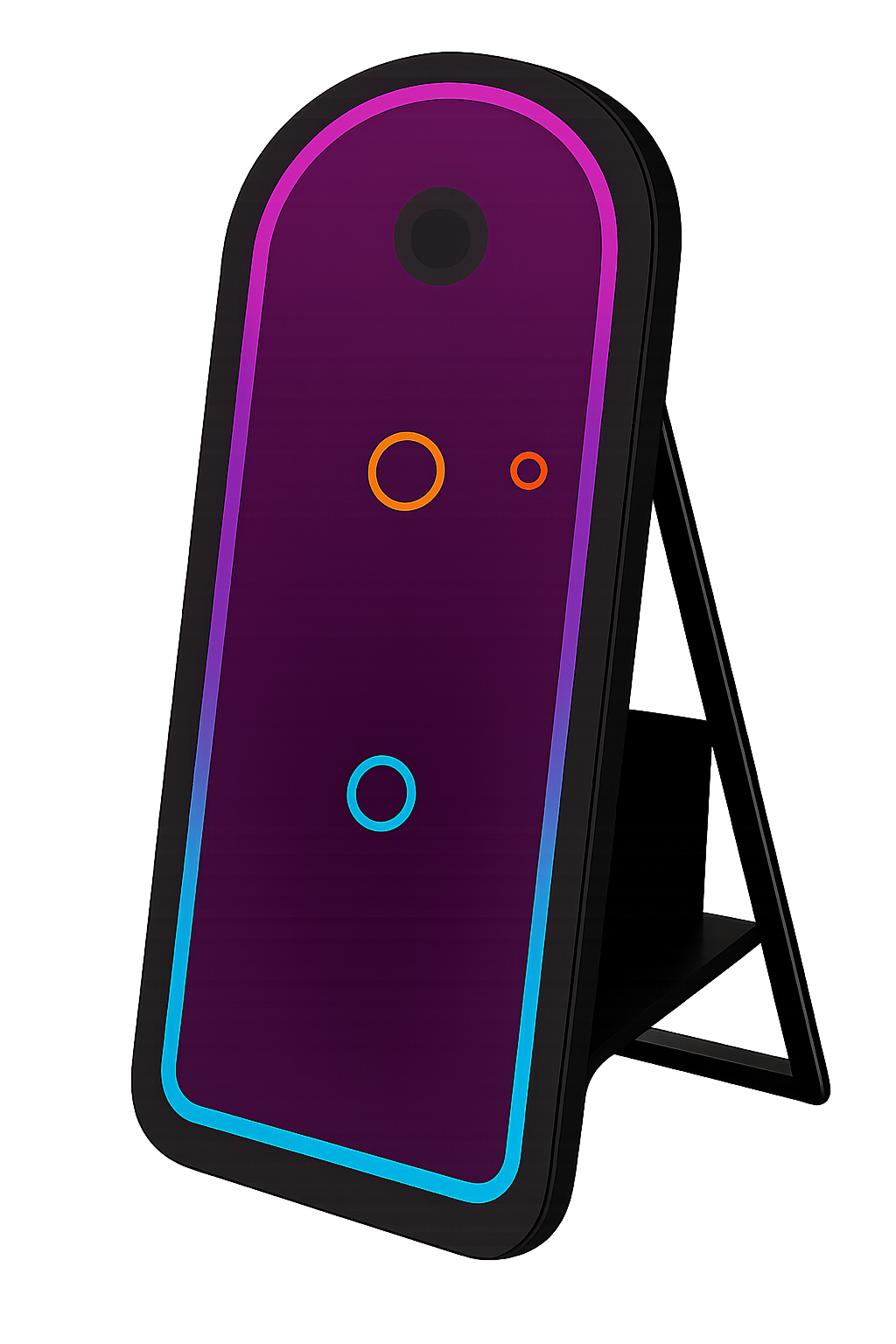
At a still-photo booth, guests pose for a sequence of photos. Depending on the selected package, the result may be printed, delivered digitally or both. The format is familiar: choose a pose, look towards the camera and enjoy the result.
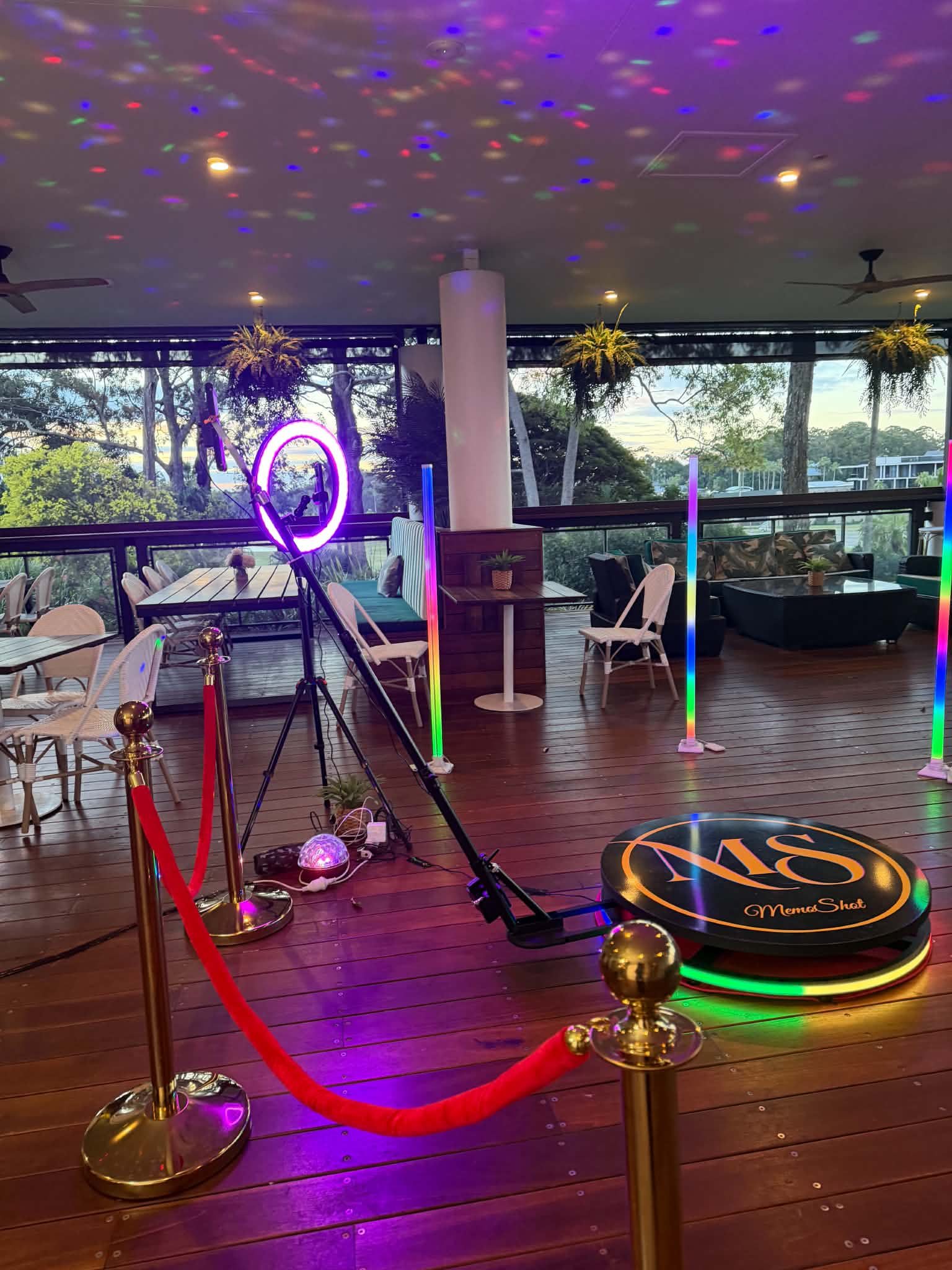
At a 360 booth, guests stand on a platform while a camera arm moves around them. Small movements, a wave or a group pose become part of the clip. Confirm the equipment limits and follow the attendant’s instructions; the platform and rotating arm require a managed operating area.
Compare the practical differences
| Your priority | Still-photo booth | 360 video booth |
|---|---|---|
| Take-home result | Photos; confirm printing and digital inclusions. | Video clips; confirm delivery and sharing. |
| Guest book | Printed photos can be paired with handwritten messages. | Consider a separate message or photo station. |
| Space planning | Allow for camera, backdrop, lighting and queue. | Allow for the platform, full arm sweep, safety clearance and queue. |
| Participation | Posed images with a stationary camera. | Poses or movement on a platform with a moving camera. |
Think about your whole guest list
Ask how each setup accommodates guests with different mobility needs and whether a seated photo option is possible. Never assume every guest can or wants to step onto a platform. Offering a comfortable alternative helps people participate without pressure.
For a family wedding, printed pictures may be a priority. For a dance-focused birthday or brand activation, video might suit the atmosphere. These are preferences rather than rules: ask to see examples of the actual output before deciding.
Plan sharing, sound and presentation
Confirm how guests receive their files and whether venue internet is required. Ask what happens if reception or Wi-Fi is unreliable. If music, branding or a custom overlay is part of the video, agree on the final design and any usage requirements before the event.
For photos, check the print layout, how many copies are included and whether the host receives a gallery. Avoid comparing two packages on hours alone when the outputs and services differ.
Can you have both?
Yes, if the suppliers, venue and budget support the plan. Give each booth its own purpose: photos for a keepsake book and video for the dance-floor atmosphere, for example. Allow separate waiting areas and check that neither setup blocks the other. Compare MemoShot packages and ask about the exact combination you have in mind.